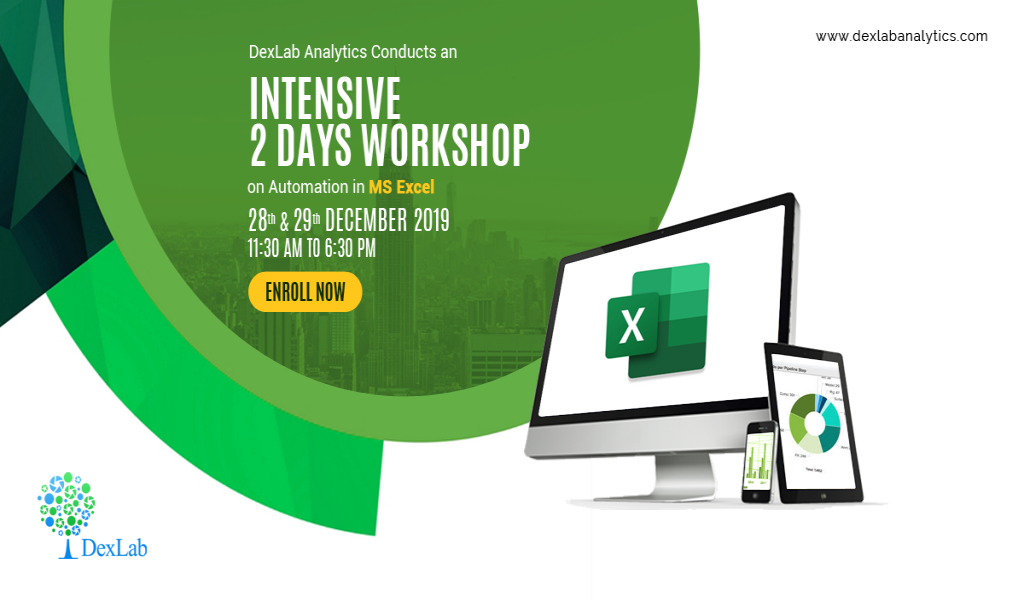
Sat, Dec 28, 2019, 11:00 AM - Sun, Dec 29, 2019, 06:30 PM
https://www.dexlabanalytics.com/events/dexlab-analytics-cond
Automation in Microsoft Excel Workshop
The DexLab Analytics workshop: Automation in Microsoft Excel focuses on
Visual Basic for Applications (VBA) which is a form of the Visual Basic
programming language integrated into all Microsoft Office products. Everyone
has a language. You may be fluent in Hindi, English, Spanish or French. Just
like you and I, Excel has a language too, the one it can speak and understand.
This language is called as VBA (Visual Basic for Applications).
You can create add-on components within your basic Excel spreadsheet to
create additional functionality. When
you tell instructions to Excel in this VBA language, Excel can do what you tell
it to do. VBA can get complicated, but knowing how to create basic code and
functionality can improve your spreadsheet's usefulness and automate certain
activity that would take hours of time. In a nutshell, VBA is the tool that
people use to develop programs that control Excel. VBA is an event-driven tool,
which means that you can use it to tell the computer to initiate an action or
string of actions.
What will be covered?
- Create a Macro
- Variables
- String Manipulation
- Function and Sub
- MsgBox
- If Then Statement
- Date and Time
- Application Object
- Workbook and Worksheet Object
- Loop
- Events
- Range Object
- Macro Errors
- Array
- UserForm
- Send mail via Outlook with VBA
- Ms Access & SQL Connection
- Tools Development
- Reporting Automation
- Real-Time Project Implementation
Charges per attendee: INR 2999 + GST
When & Where:
28th & 29th December 2019 (Saturday and Sunday), 11:30 AM to 6:30 PM
at DexLab Analytics, K 3/5, DLF Phase 2, Gurgaon, Haryana – 122002. (Nearest
metro station: MG Road / Sikanderpur).
Lecture
delivered by:
Gagan
is an IT Consultant (Data Analytics and Automation) with a
global full service IT consulting and outsourcing solutions provider and has
worked with companies like EXL in the past 7 years. He has worked for clients
across the globe and is an expert in Data Analytics, Visualization, Modelling
and Automation. He has trained over 5000+ industry professionals on Data
Analytics and Automation.
Learning Outcomes:
- Perform activities like data clean up and formatting;
- Automate tasks across worksheets and workbooks like listing all the
sheets, creating a table of contents, hiding specific sheets, opening and
closing workbook and more;
- Create and modify user forms;
- Automate complex Excel process which includes creating systems to
create, update, or modify several Excel files; and
- Create macros to automate repetitive word- and data-processing
functions, and generate custom forms, graphs, and reports.
Terms and Conditions:
- 100% Payment in advance.
- Laptops to be carried by every participant loaded with MS Office
2010/2013/2016.
- Above mentioned prices are exclusive of Taxes.
- Prior knowledge of working on Ms Excel Reporting is required.
For queries and enrollment call at +91 124 450 2444 / + 91 931 572 5902
or write to hello@dexlabanalytics.com.
Fri 20-Nov-2026


To stay updated with your interests and events
